An independent app studio — since 2010

Small apps that help you accomplish great things.

We design and build quiet, useful software for iPhone, iPad and Android — weather, light, steps, words — each piece finished with the patience of craft.

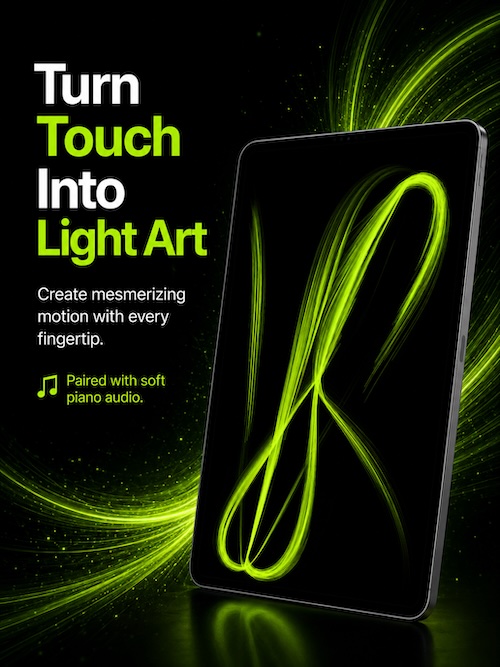
Particles Pro — luminous green light trails flowing across a tablet screen
Turn Touch Into Light Art — Particles Pro, study in light & touch
160+Works published
1M+Downloads, top app
2010Studio founded
MobileiOS and Android

The Collection

Selected works

No. 01

Particles Pro

Light and touch on glass, 60 frames per second

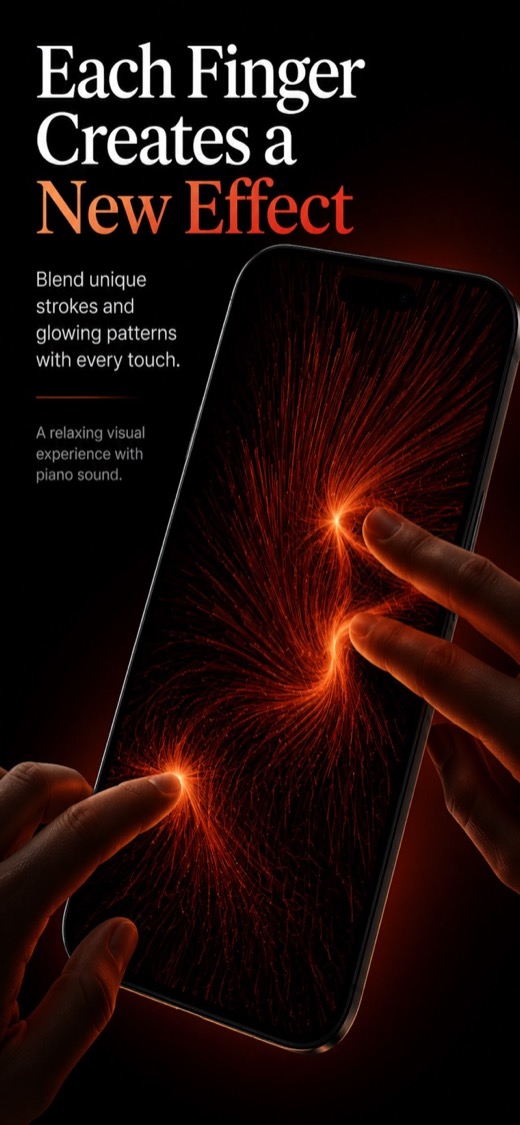
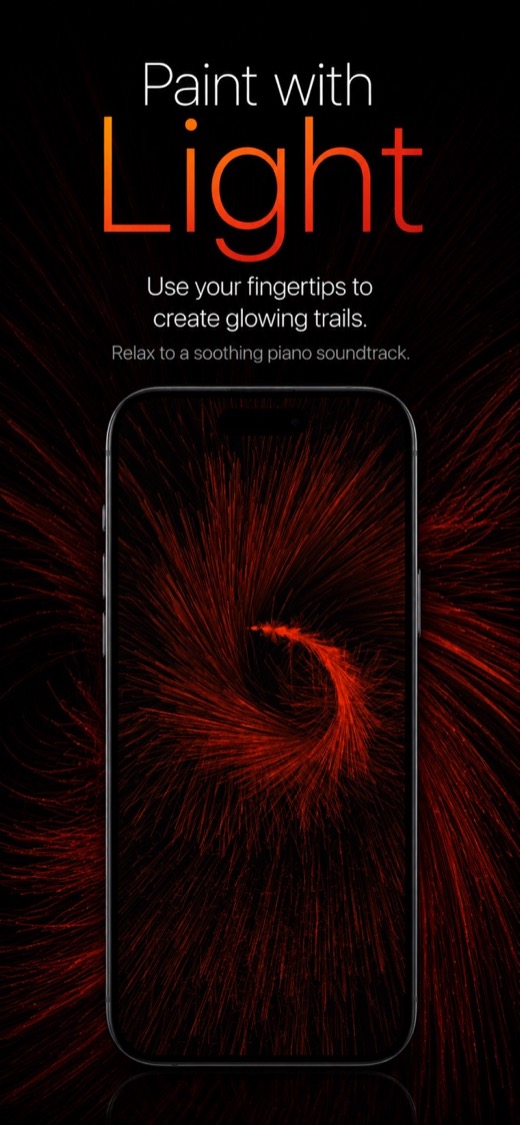
A relaxing, interactive light show. Touch the screen and a storm of glowing particles flows from your fingertips — every number of fingers moves them in a completely different way. Paired with soft piano audio.

Category
Lifestyle · Utilities
Edition
iPhone & iPad
Provenance
wsoft app studio
View on the App Store
Particles Pro screenshot — green light trails drawn by touch Particles Pro screenshot — particle storm following fingertips
No. 02

Sushi Ninja Sakura

Sushi, sliced mid-air under the cherry blossoms

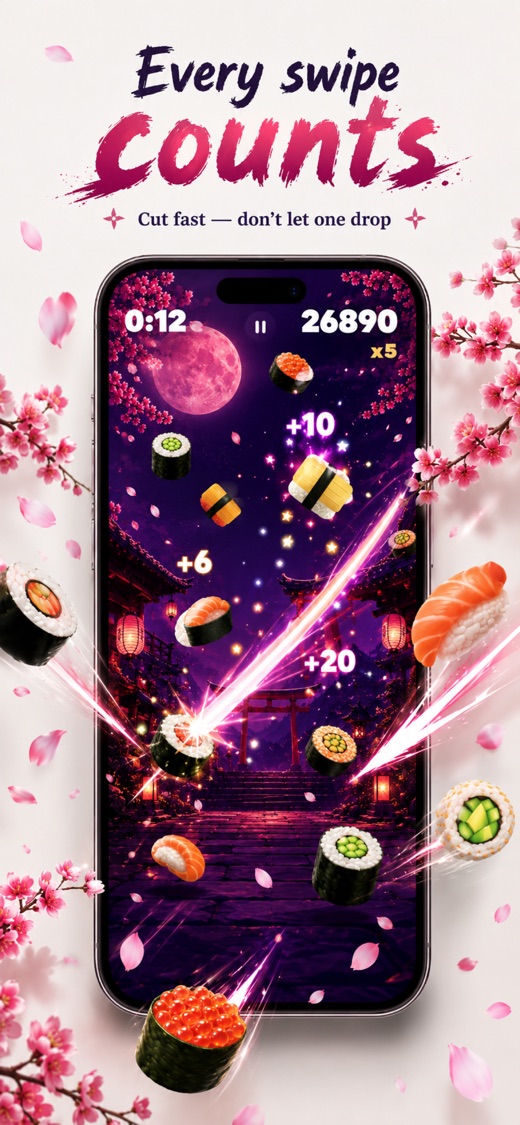
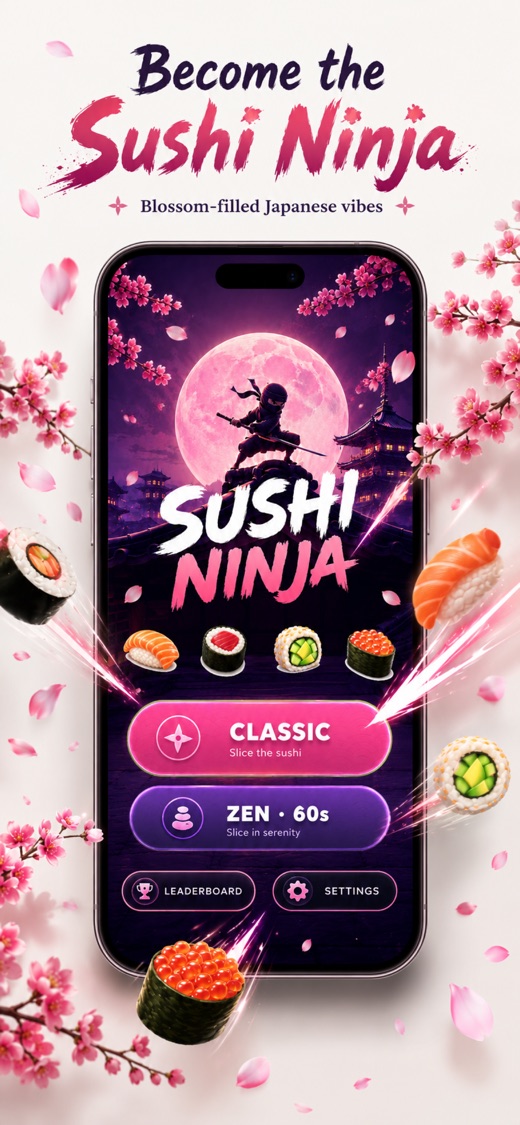
A fast, beautiful arcade slicing game set among cherry blossoms, paper lanterns and razor-sharp steel. Swipe to cut sushi mid-air, chain combos for big scores — and don’t hit the bombs. Classic tests your reflexes; Zen is pure, relaxing slicing.

Category
Games · Action
Edition
iPhone & iPad
Provenance
wsoft app studio
View on the App Store
Sushi Ninja Sakura screenshot — slicing sushi mid-air for combo points Sushi Ninja Sakura screenshot — main menu with Classic and Zen modes under a full moon
No. 03

Photo Merge

Collage, composed in seconds

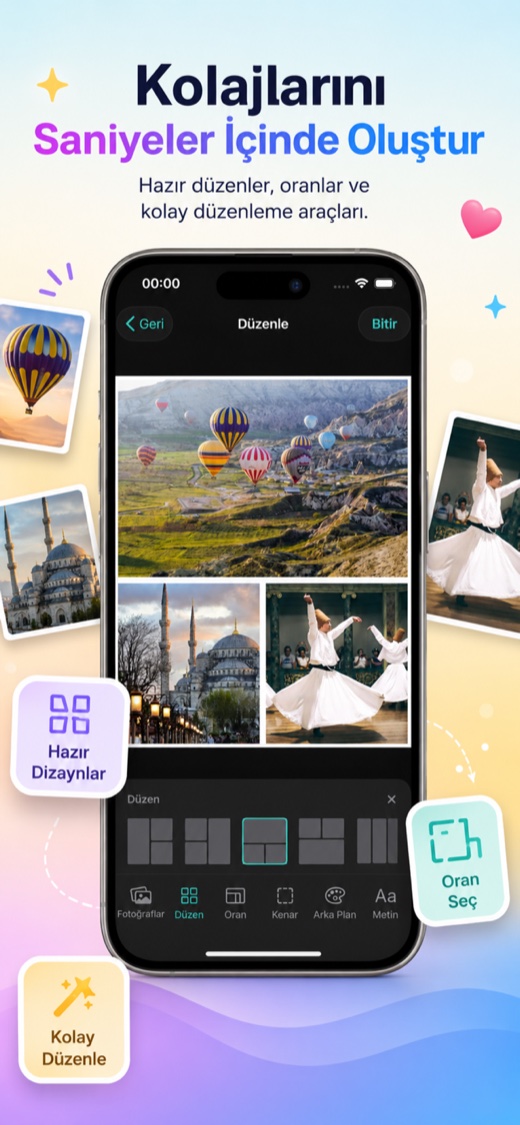
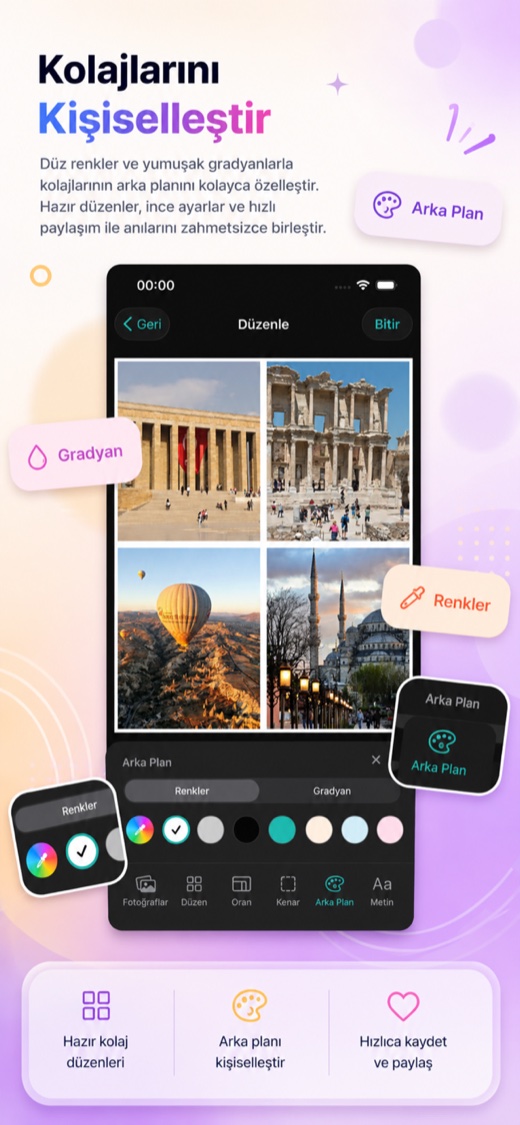
A practical collage tool for quickly merging and editing photographs. Ready-made layouts, gradient backgrounds, borders, and text — compose a collage in seconds and share it just as fast.

Category
Photo & Video · Utilities
Edition
iPhone — 500K+ downloads
Provenance
wsoft app studio
View on the App Store
Photo Merge screenshot — collage editor with ready-made layouts and aspect ratios Photo Merge screenshot — personalizing a collage with gradient backgrounds and colors
No. 04

Step Counter

A day’s walking, counted quietly

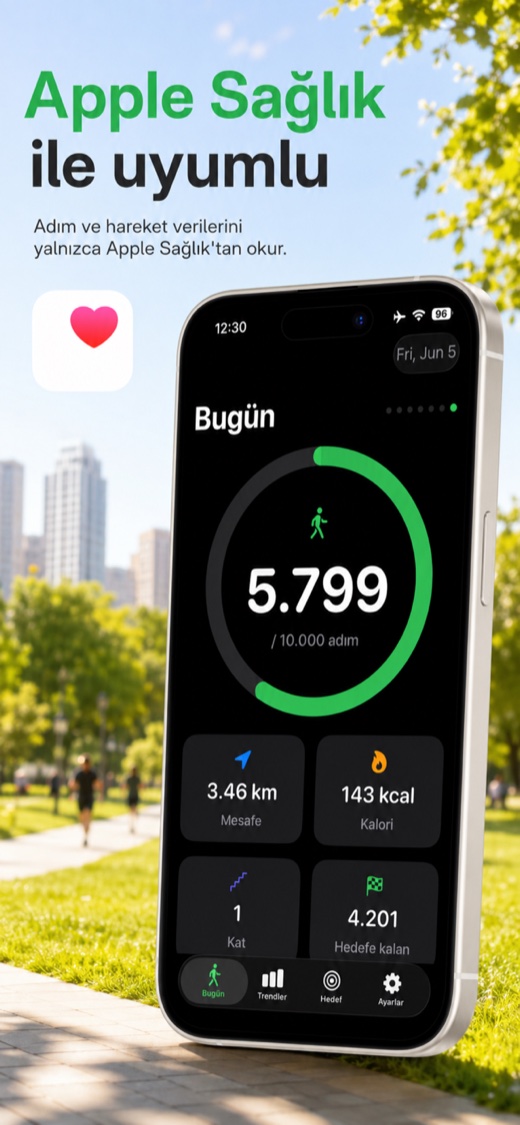
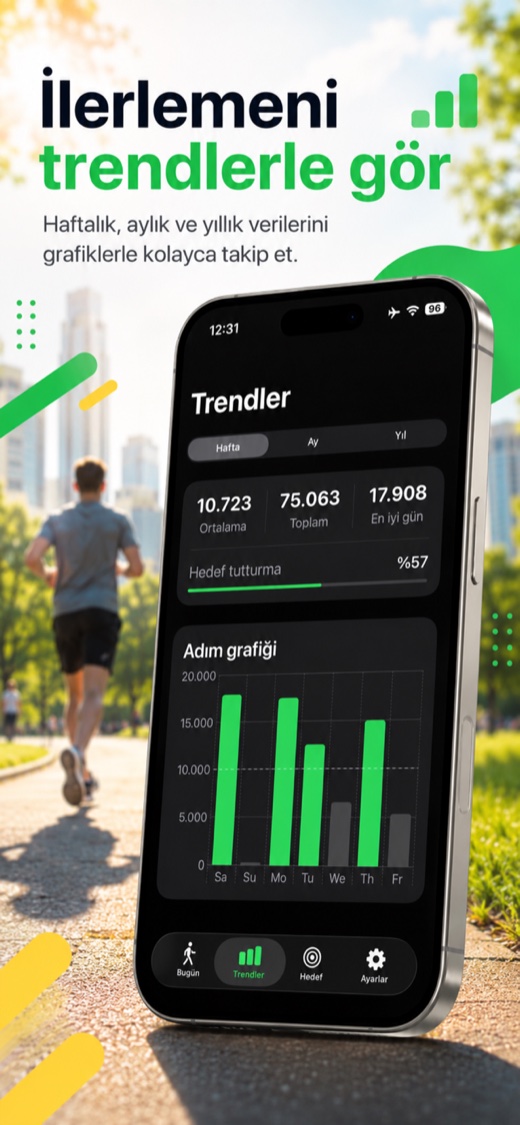
Open the app and start walking. A lightweight, legible counter for your daily steps — live counting, weekly trends, daily goals, and Apple Health sync, with no accounts and no noise.

Category
Sports · Utilities
Edition
iPhone — 200K+ downloads
Provenance
wsoft app studio
View on the App Store
Step Counter screenshot — today’s steps with distance, calories and Apple Health sync Step Counter screenshot — weekly and monthly step trends with charts
No. 05

Barcode Scanner

Every code, read in a single tap

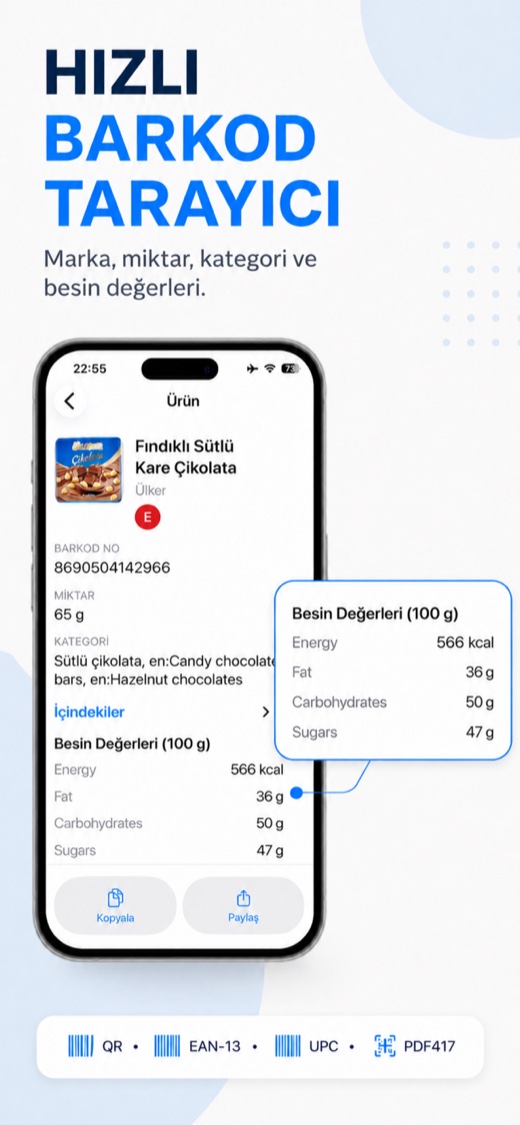
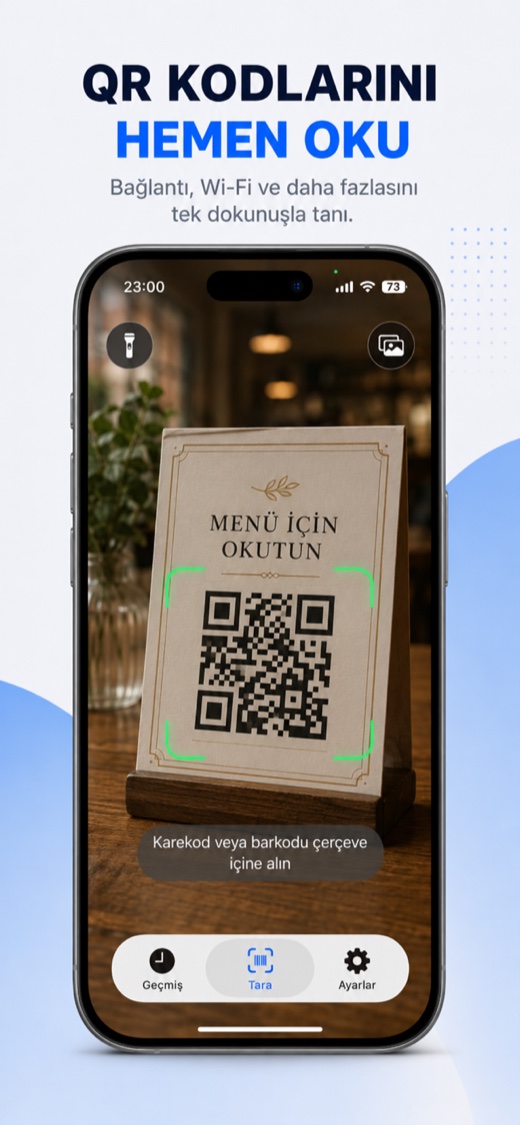
A fast, focused reader for barcodes and QR codes. Scan a product to see its name, quantity, category, and nutrition values; open links, Wi-Fi, and contacts in a tap — with every scan kept in your history.

Category
Utilities · Productivity
Edition
iPhone & iPad
Provenance
wsoft app studio
View on the App Store
Barcode Scanner screenshot — scanned product with name, quantity and nutrition values Barcode Scanner screenshot — reading a QR code live with the camera
No. 06

Bubble Level

A spirit level and ruler in your pocket

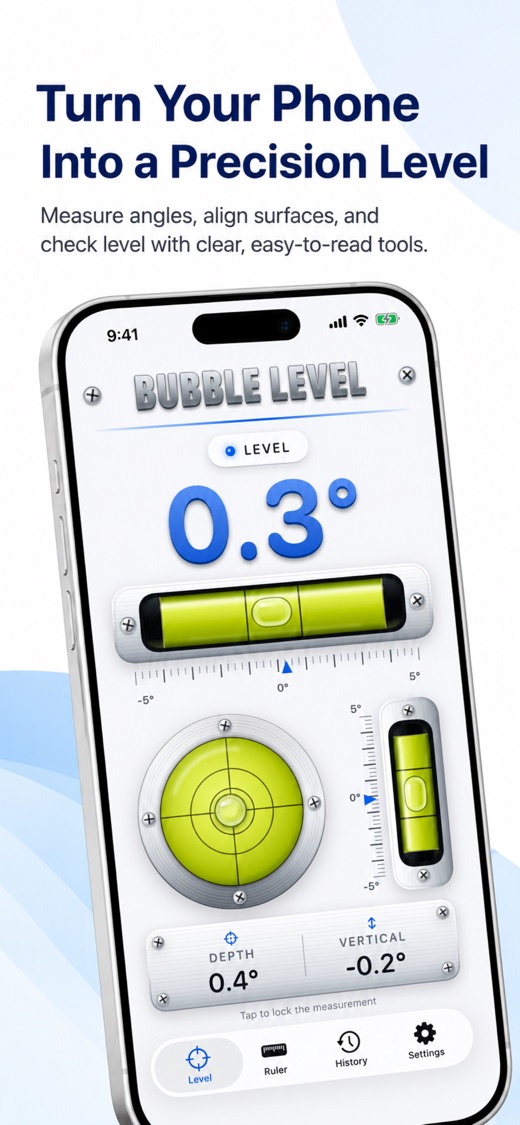
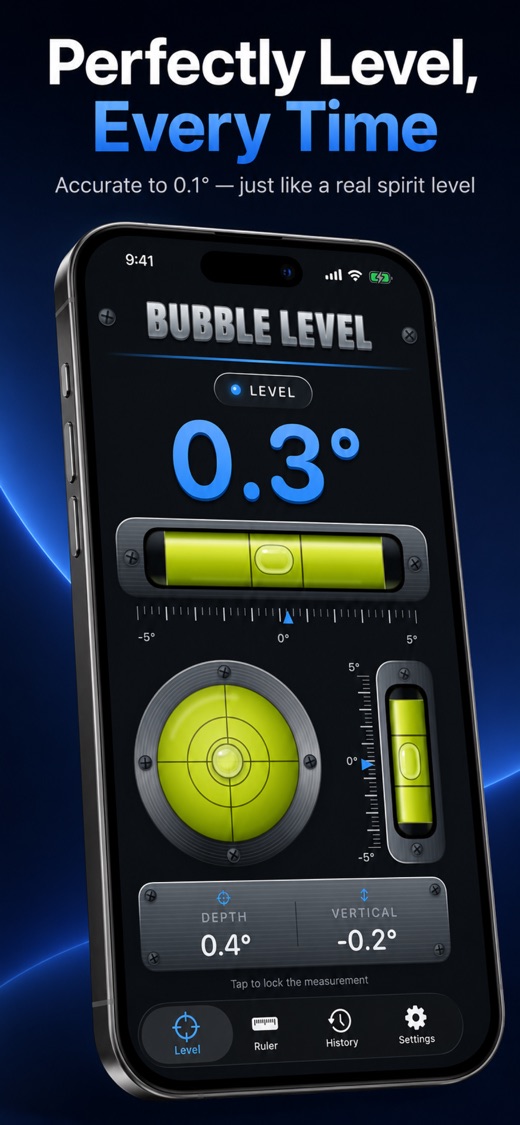
Turns your iPhone into a precise, easy-to-read spirit level. Hang pictures straight, line up shelves, check the slope of any surface to 0.1°, lock a reading with one tap, and measure small objects with the built-in screen ruler.

Category
Utilities
Edition
iPhone & iPad
Provenance
wsoft app studio
View on the App Store
Bubble Level screenshot — spirit level showing a 0.3° reading Bubble Level screenshot — dark mode level with bullseye and angle readout
No. 07

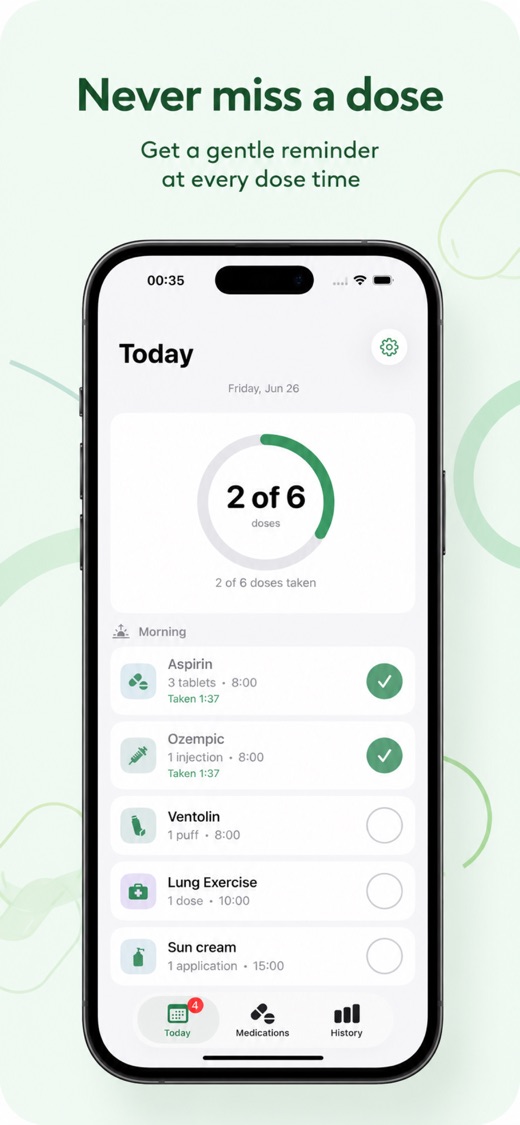
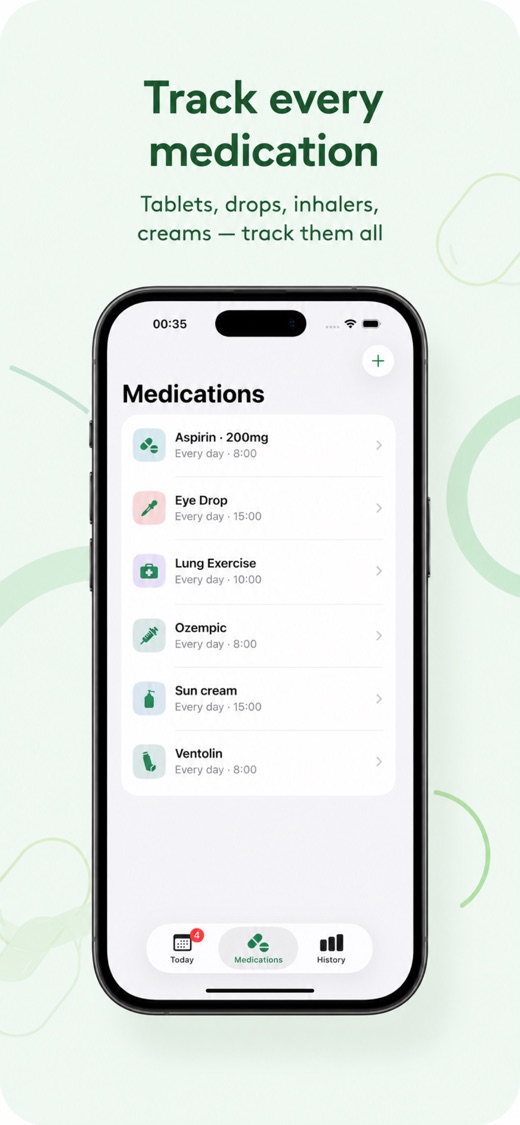
Pill Reminder

The right dose, at the right time

A simple, private reminder for medicines and vitamins. Mark a dose Taken, Snooze or Skip right from the notification, see your day at a glance, set flexible schedules, and get a refill reminder before you run out.

Category
Medical · Health & Fitness
Edition
iPhone & iPad
Provenance
wsoft app studio
View on the App Store
Pill Reminder screenshot — today’s doses with a progress ring Pill Reminder screenshot — list of tracked medications
No. 08

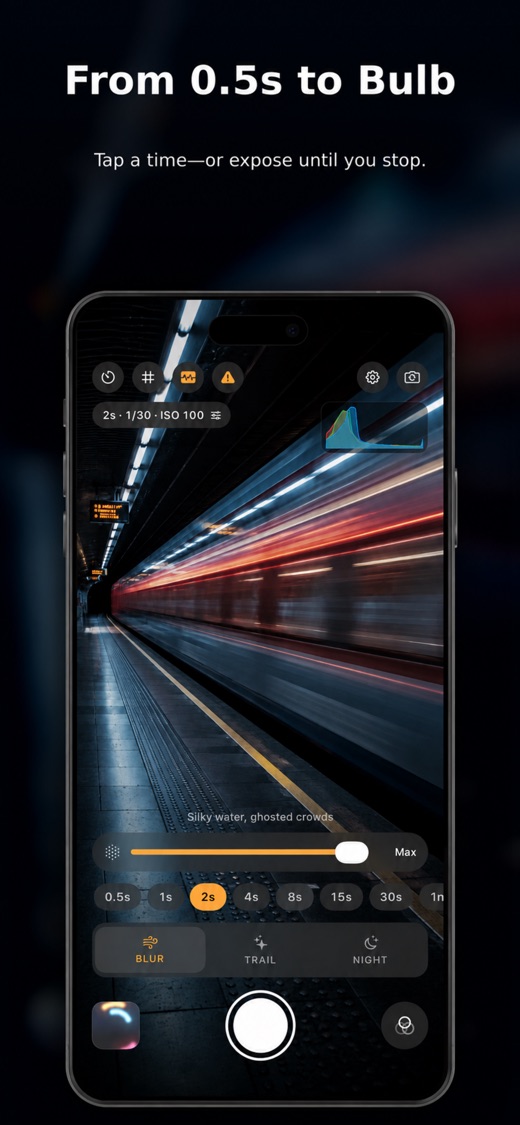
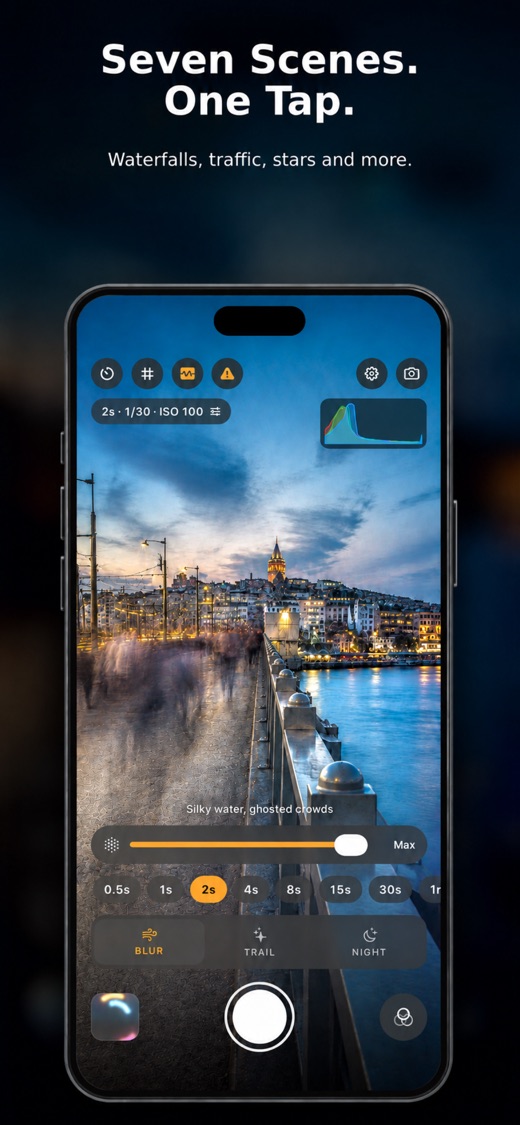
Long Exposure

Slow shutter, watched as it builds

Real long exposures on iPhone. The app stacks hundreds of live frames so waterfalls turn silky, headlights draw ribbons of light and dark scenes come back clean. The photo forms on screen as you shoot — stop the moment it looks right.

Category
Photo & Video
Edition
iPhone & iPad
Provenance
wsoft app studio
View on the App Store
Long Exposure screenshot — light trails in a tunnel, from 0.5 seconds to bulb Long Exposure screenshot — city scene with one-tap scene presets

Also in the catalogue

Eight works hang in the gallery; more than one hundred and sixty live in the archive.

The Studio

wsoft is a small, independent studio. Since 2010 we have shipped more than 160 apps to the App Store and Google Play — tools, games, photo apps, everyday utilities — each one designed, built, and cared for by hand.

1

Made to be useful

Every app begins with a single, ordinary need — and ends when that need is met simply.

2

Made to be quiet

No accounts, no clutter, no noise. Software should sit lightly in a pocket.

3

Made to last

Millions of downloads later, the work continues — one small, finished object at a time.

Correspondence

Write to us.

Got a question, an idea, or just a kind word? We read everything.

  • Reporting a bug? Mention your device and its iOS or Android version.
  • Ideas and feature requests are always welcome.
Work with us

Need an app built?

We also design and build mobile apps for businesses and individuals — for iPhone, iPad and Android, from the first idea to the App Store and Google Play, with the same care as our own.

  • Mobile apps for iPhone, iPad and Android
  • Design, development and release on the App Store and Google Play
  • 16 years and 160+ apps of experience

Only used to reply to you.

Protected from spam